
Minecraft
Guides, mods, server know-how, and the latest updates.
Complete Minecraft wiki with survival guides, mods, plugins, admin commands, multiplayer tips, update coverage, and community-written tutorials for all players.
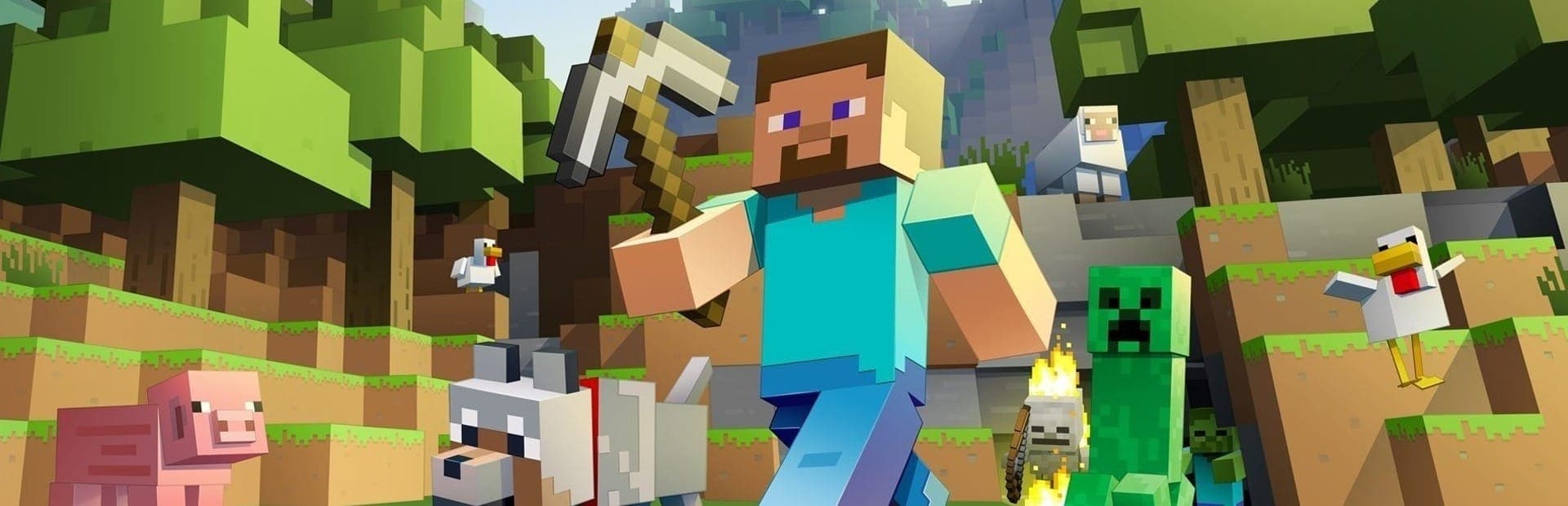
Minecraft Wiki
21 pagesMinecraft is the best-selling game of all time and the blueprint for the whole survival-sandbox genre. You spawn into an endless, procedurally generated world of blocks and do whatever you want: mine straight down, build a castle, automate a farm with redstone, or gear up and fight your way to the End. This wiki collects the setup, the systems, and the strategies you need.
How Minecraft Plays
The core loop is gather, craft, build, survive. By day you chop wood, mine stone and ore, and farm; by night hostile mobs spawn, so you need light, walls, and weapons. Crafting turns raw materials into tools, armor, and machines, and each tool tier (wood, stone, iron, diamond, netherite) unlocks faster mining and tougher gear.
The Three Dimensions
Minecraft is really three worlds:
- The Overworld is home base: forests, mountains, oceans, caves, and villages.
- The Nether is a hostile hell dimension you reach through an obsidian portal, full of unique resources like blaze rods, netherite, and the fortresses you need to progress.
- The End holds the Ender Dragon, the closest thing the game has to a final boss, plus the floating cities where you find elytra wings for flying.
Mobs, Bosses, and Redstone
The world is full of mobs: passive animals to farm, and hostile ones like Creepers, Zombies, Skeletons, and the teleporting Endermen. The two bosses, the Ender Dragon and the Wither, anchor the late game. And redstone, Minecraft's in-world wiring, lets you build everything from automatic doors to full working computers, which is why the game never really ends.
Playing With Friends
Minecraft shines in multiplayer. You can play locally over LAN, rent a Realm for a small group, or run a dedicated server for a large community with plugins and custom rules. See our setup guides for getting a world up and running, plus mods and performance tips.
Using This Wiki
Use the quick-access bar to jump to mobs, bosses, resources, or any other category, and the left menu inside any page to browse the whole game. Every entry has an at-a-glance infobox so you can check a drop, a spawn, or a recipe in seconds.
Bosses
Resources
Guides
Minecraft multiplayer setup guide covering server types, connection steps, world settings, whitelists, difficulty, plugins, backups, and beginner configuration.
Minecraft mod installation guide covering Fabric, Forge, Quilt, version matching, Modrinth downloads, compatibility checks, and popular performance mods.
Minecraft plugin guide for Paper and Spigot: install plugins, configure permissions, protect builds, add economy tools, and choose reliable essentials.
Complete guide to optimizing your Minecraft server performance. Covers Paper tuning, view distance, pre-generation, Aikar's flags, and lag diagnostics.
Complete reference for Minecraft server admin commands, operator permissions, whitelist management, and server console usage.
How to manage Minecraft world files, seeds, backups, migration, Multiverse, and world borders on your dedicated server.
Detailed comparison of all Minecraft server types: Paper, Forge, Fabric, Vanilla, Spigot, Purpur, and BungeeCord. Choose the right one for your server.
How to install popular Minecraft modpacks like ATM, RLCraft, SkyFactory, and custom CurseForge packs on your dedicated server.
Fix common Minecraft server issues: connection problems, crashes, lag, plugin errors, mod conflicts, and world corruption.
How to enable Bedrock crossplay on your Java Minecraft server using GeyserMC. Let Xbox, PlayStation, Switch, and mobile players join your Java server.
Mobs
The iconic exploding mob. How Creepers work, what they drop, and how to deal with them.
The basic night mob. Zombie behavior, drops, and why they swarm.
The ranged undead mob. How to beat Skeletons and use their bone and arrow drops.
The teleporting tall mob. How Endermen work and why their Ender Pearls matter.
The Nether fortress mob. How to beat Blazes and farm the Blaze Rods you need to brew.
The new Chaos Cubed mob that eats blocks and changes its own behavior based on what it consumes.
Minecraft FAQ
How do you make a Nether portal in Minecraft?
Build a rectangular frame of obsidian, at least four blocks wide and five tall, then light the inside with a flint and steel. You can corner-cut the frame to save obsidian. Step through to reach the Nether.
How do you beat the Ender Dragon?
Collect Eyes of Ender to find and activate the End Portal in a stronghold. In the End, destroy the End Crystals on top of the obsidian pillars first (a bow helps), then attack the dragon's head when it perches. It has 200 health.
Where do you find diamonds in Minecraft?
Diamonds spawn deep underground, most commonly around Y -59 in the deepslate layers near lava. Bring an iron or better pickaxe, plenty of torches, and water or fire resistance for the lava.
What is the difference between Minecraft Java and Bedrock?
Java Edition runs on PC and has the deepest modding and server scene. Bedrock Edition runs on consoles, mobile, and Windows, and supports crossplay between those platforms. Worlds and most mods are not compatible between the two.
How many players can play Minecraft together?
Realms support up to around 10 players, while a dedicated server can host far more depending on its hardware. Local LAN play and split-screen on console are also options.
What bosses are in Minecraft?
There are two: the Ender Dragon, found in the End and treated as the main objective, and the Wither, a player-summoned boss built from soul sand and wither skulls that drops the Nether Star.
Is Minecraft survival or creative?
Both. Survival mode has health, hunger, and gathering; Creative gives unlimited blocks and flight for building; Hardcore is permadeath survival; and Adventure mode is built for custom maps.
Latest Minecraft News
6 tracked
Minecraft 26.3 'Wilderness Bound' enters Pre-Release 2 ahead of its September drop
Mojang shipped Pre-Release 2 for Java Edition 26.3 on September 4, the second consecutive pre-release following PR1 on September 1, signaling the Wilderness Bound drop is close to final. The update adds the Dappled Forest autumn biome with three poplar variants, abandoned camps, wool and concrete stairs and slabs in all 16 colors, straw beds, and shelf mushrooms, making it Mojang's largest single snapshot by new block count. Bedrock will receive the same content in a coordinated drop.
Minecraft Java 26.3 Snapshot 10 swaps in a Dappled Forest panorama ahead of the fall drop
Released August 25, Snapshot 10 updates the main-menu panorama to show the Dappled Forest biome introduced in Snapshot 1, with its autumn canopy and Abandoned Camp giving players a visual preview of the upcoming 26.3 release. A small batch of explorer map renames and bug fixes round out the snapshot.
Minecraft 26.3 Snapshot 9 tweaks entity teleportation and adds technical polish
Snapshot 9 for Java Edition 26.3, released August 17, tweaks how entities teleport, layers in technical changes, and clears a batch of bugs. It follows Snapshot 8 on August 12, which added Realms invite codes and renamed several explorer maps, and Snapshot 7 on August 4, which introduced concrete stairs and slabs in 16 colors alongside new explorer maps for various structures.
Minecraft 26.3 Snapshot 2 ships order-independent transparency renderer and mob optimization
The second 26.3 Java snapshot introduces an order-independent transparency (OIT) algorithm behind the Improved Transparency video setting, eliminating sorting artifacts on glass, water, and leaves regardless of camera angle. Persistent mobs now also stop their random walk and swim behaviors when no player is nearby, matching non-persistent mob behavior and reducing idle server load.
Minecraft Java 26.3 Snapshot 1 previews the Dappled Forest biome with poplar trees and abandoned camps
The first snapshot for Minecraft's next drop introduces the Dappled Forest, an autumn-themed biome near cold areas with three poplar tree variants, red shrubs, and bouncy shelf mushrooms, plus abandoned camps that generate across multiple biomes and wool stairs and slabs for all 16 colors. Mojang describes it as the largest snapshot ever by new block and item count, adding 56 blocks and items in a single release.
Minecraft Chaos Cubed adds sulfur caves, the shape-shifting Sulfur Cube mob, and Parties
Java 26.2 and Bedrock 26.30 introduce a new underground sulfur cave biome and the Sulfur Cube, a mob that absorbs blocks to change its own behavior (TNT makes it explosive, oak logs make it bouncy, blue ice makes it blindingly fast). Bedrock gains a Party system for grouping with friends, while Java receives an experimental Vulkan renderer.
Latest
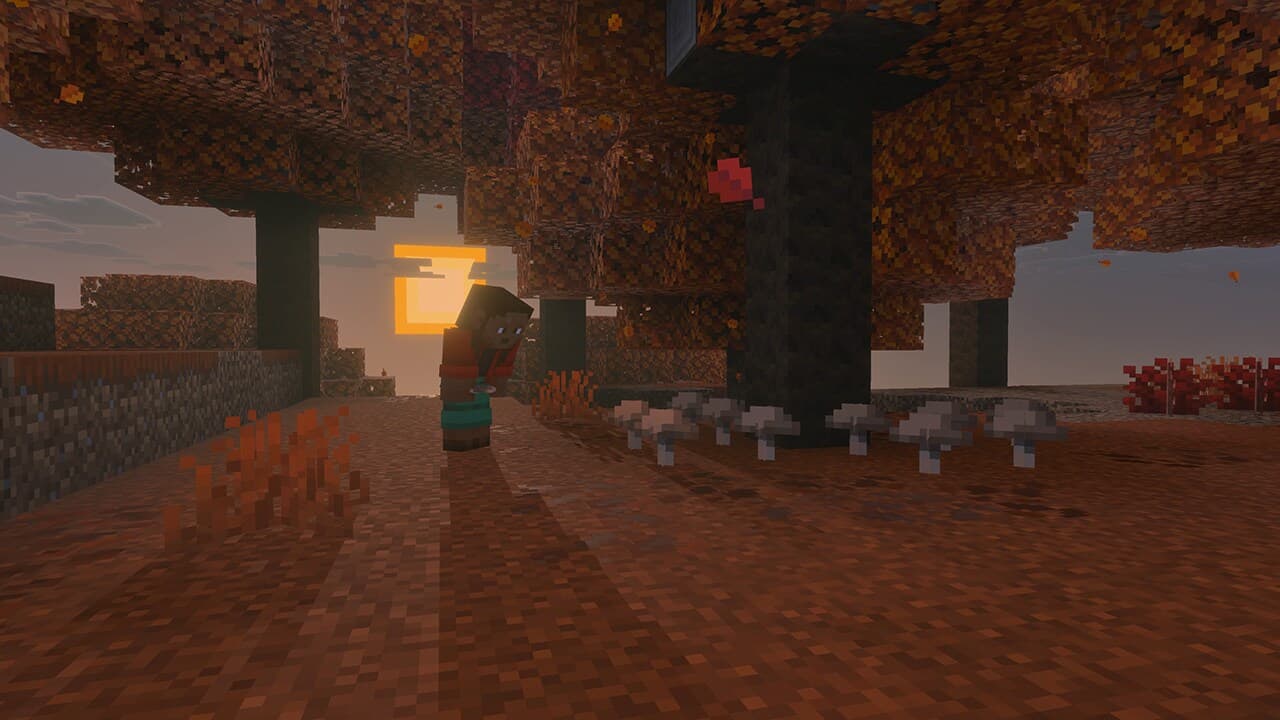
Minecraft's Third 2026 Game Drop Adds the Dappled Forest: Poplar Trees, Wool Furniture, and Abandoned Camps
Mojang revealed the first features of Minecraft's third game drop of 2026 at TwitchCon: an entirely new autumn-toned biome called the dappled forest, built around poplar trees with three leaf colors, a new wood set, cozy wool furniture, and a new abandoned camp structure. Here is everything shown and when you can test it.
Minecraft Tier List 2026: Most Dangerous Mobs & Best Materials Ranked
A Minecraft tier list ranking mobs and bosses by danger and materials by value for survival, each pick linked to its wiki page.

How to Make a Minecraft Crossplay Server (Java & Bedrock) in 2026
The ultimate guide to setting up GeyserMC and Floodgate, allowing Bedrock players on console, mobile, and Windows to perfectly join your Java Edition Minecraft server.
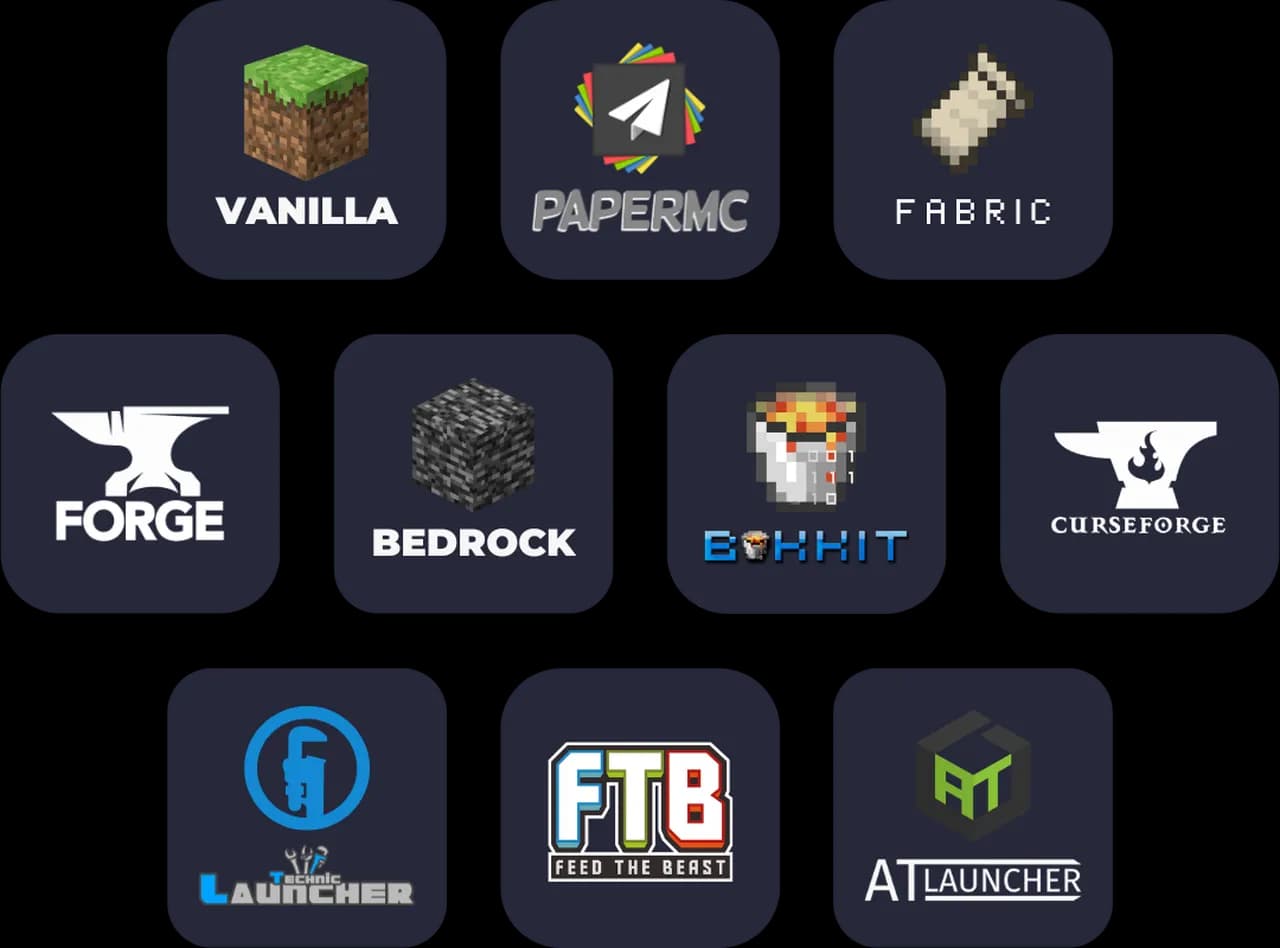
Every Way to Play Minecraft — All Server Types, Mods & Modpacks at HostedGG
HostedGG supports 7 Minecraft server types, 250+ modpacks, and thousands of mods. Paper, Forge, Fabric, Purpur, Spigot, Vanilla, and BungeeCord — all with instant setup.
Minecraft Server Types Explained: Paper vs Forge vs Vanilla vs BungeeCord
Not sure which Minecraft server type to choose? We break down Paper, Forge, Vanilla, and BungeeCord — what each does, who it's for, and when to use it.
Best Minecraft Server Hosting in 2026 (Honest Comparison)
We tested the most popular Minecraft hosting providers on performance, pricing, and features. Here's how they actually compare — no affiliate bias.
Guides
See allMinecraft Tier List 2026: Most Dangerous Mobs & Best Materials Ranked
A Minecraft tier list ranking mobs and bosses by danger and materials by value for survival, each pick linked to its wiki page.
How to Make a Minecraft Crossplay Server (Java & Bedrock) in 2026
The ultimate guide to setting up GeyserMC and Floodgate, allowing Bedrock players on console, mobile, and Windows to perfectly join your Java Edition Minecraft server.
Every Way to Play Minecraft — All Server Types, Mods & Modpacks at HostedGG
HostedGG supports 7 Minecraft server types, 250+ modpacks, and thousands of mods. Paper, Forge, Fabric, Purpur, Spigot, Vanilla, and BungeeCord — all with instant setup.
Minecraft Server Types Explained: Paper vs Forge vs Vanilla vs BungeeCord
Not sure which Minecraft server type to choose? We break down Paper, Forge, Vanilla, and BungeeCord — what each does, who it's for, and when to use it.
Best Minecraft Server Hosting in 2026 (Honest Comparison)
We tested the most popular Minecraft hosting providers on performance, pricing, and features. Here's how they actually compare — no affiliate bias.
How to Make a Minecraft Server in 2026 (Step-by-Step)
Learn how to create your own Minecraft server and play with friends. This beginner-friendly guide covers every method — from one-click hosting to self-hosting.
News
See allHelp verify this page
Know this topic? Submit a fix, missing detail, or patch check.
Minecraft in your inbox
New Minecraft guides, reviews, and news — plus the rest of the gaming brief. One email a week, no noise.