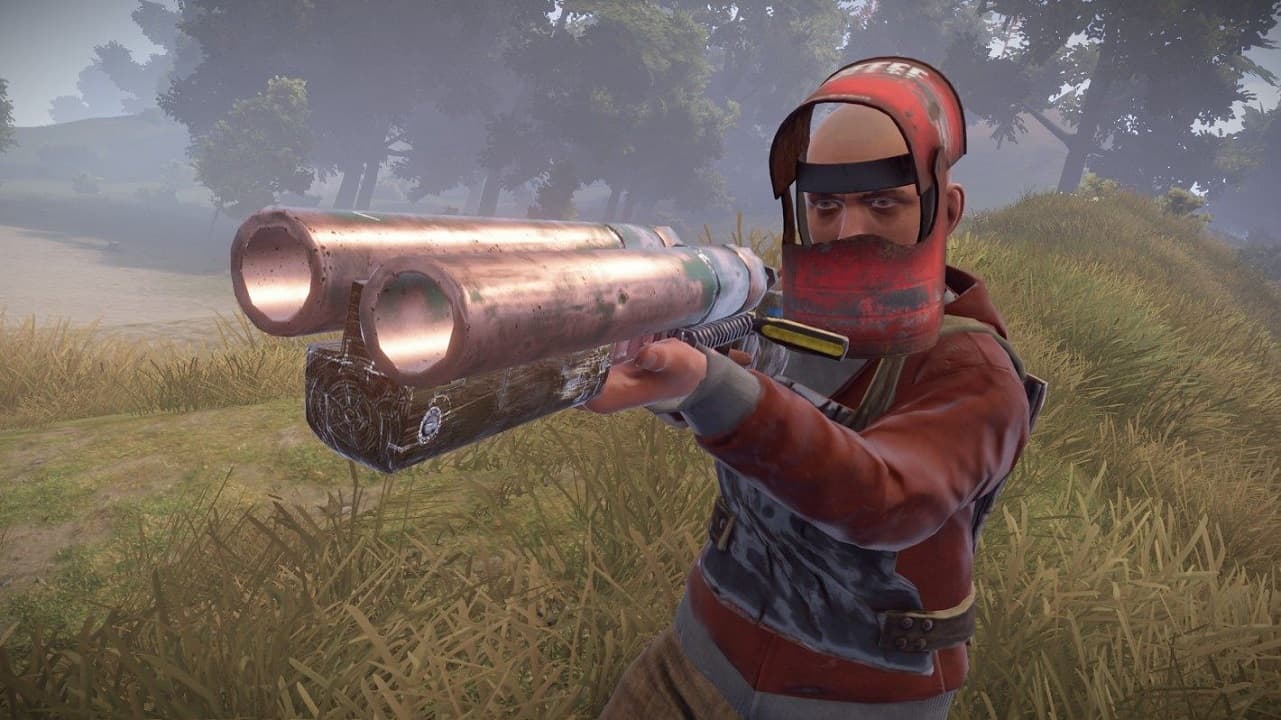
Running Your Own Rust Server
Rust is one of the most popular survival games, and running your own server gives you complete control over the experience. This guide covers everything from deployment to optimization.
Choosing the Right Plan
Rust is more resource-intensive than most games. Here's what you need:
| Players | RAM | Price (HostedGG) |
|---|---|---|
| Up to 50 | 8 GB | $9.99/mo |
| Up to 100 | 12 GB | $14.99/mo |
| Up to 200 | 16 GB | $19.99/mo |
Don't skimp on RAM. Rust loads the entire map into memory, and low RAM causes severe lag, especially mid-wipe.
Step 1: Deploy Your Server
- Go to HostedGG Rust hosting
- Select your plan
- Complete checkout
- Your server is ready in 60 seconds
Yes, really. 60 seconds.
Step 2: Configure Basic Settings
Access your server dashboard and head to Settings:
Essential Settings
- Server Name: How your server appears in the browser
- Server Description: Shown when players view details
- Max Players: Set based on your plan
- Map Size: 3000-4000 for balanced gameplay
Map Configuration
Rust uses procedural generation. Key settings:
-
World Size: 1000 (tiny) to 6000 (massive)
- 50 players: 3000-3500
- 100 players: 4000-4500
- 200 players: 5000+
-
World Seed: The number that generates your map. Change it for a fresh map.
-
Procedural Map: Default option, generates unique terrain
Step 3: Install Oxide/uMod
Oxide is the plugin framework that powers custom Rust servers. At HostedGG, it's pre-installed—just enable it:
- Go to Settings
- Enable Oxide/uMod
- Restart your server
Oxide is ready to use.
Step 4: Install Essential Plugins
Navigate to the Mods tab and search for plugins:
Must-Have Plugins
| Plugin | Purpose |
|---|---|
| Gather Manager | Adjust gather rates (2x, 3x, etc.) |
| Stack Size Controller | Increase stack sizes |
| Quick Smelt | Faster smelting |
| Teleportation | /tpa, /home, /town |
| Kits | Starter kits for players |
| Better Chat | Chat formatting and colors |
Popular Optional Plugins
- Clans - Team/clan system
- Economics - In-game economy
- ZLevels - RPG-style leveling
- Remover Tool - Remove misplaced objects
- Sign Artist - Custom sign images
Step 5: Configure Rates
Most community servers run with boosted rates. Common configurations:
2x Server (Balanced)
5x Server (Fast-Paced)
Set these via the console or Gather Manager plugin.
Step 6: RCON Setup
RCON (Remote Console) lets you manage your server remotely:
- Find your RCON password in Settings
- Download a RCON client (RustAdmin recommended)
- Connect using your server IP and RCON port
Useful RCON Commands
Step 7: Wipe Management
Rust servers wipe periodically (officially on first Thursday of the month). Types of wipes:
Map Wipe
Resets terrain, buildings, and resources. Players keep blueprints.
Blueprint Wipe
Resets learned blueprints. Usually done monthly with force wipes.
Full Wipe
Both map and blueprints. Fresh start for everyone.
To wipe manually:
- Stop your server
- Delete save files in File Manager
- Start with a new seed (optional)
Performance Optimization
Server Settings
- Start with appropriate map size for player count
- Use decay to remove abandoned bases
- Limit entity count with plugins
DDoS Protection
Rust servers are prime DDoS targets. HostedGG includes enterprise protection:
- Mitigates attacks up to 1Tbps
- No configuration required
- Keeps you online when others go down
Promoting Your Server
Once configured:
- List on server browsers - Battlemetrics, Just-Wiped.net
- Create a Discord - Community for your players
- Post on r/playrustservers - Reddit community
- Consistent wipe schedule - Players return weekly/monthly
Troubleshooting
Server Not Appearing in Browser
- Wait 5-10 minutes after start
- Ensure correct query port
- Check that EAC is enabled
Players Getting Kicked
- Check for plugin conflicts
- Verify Oxide installation
- Review server console for errors
Poor Performance Late Wipe
- Too many entities (buildings)
- Consider enabling decay
- May need larger plan
Ready to start your Rust server? Deploy now and be playing in 60 seconds.
Need help? Join our Discord—our community and team are here to help.