Hytale gives you more creative freedom than any block-game before it. But with great power comes... a lot of new mechanics to learn.
If you're tired of building square wooden boxes, this guide is for you. We're breaking down the advanced building tools that will make your creations stand out.
1. The Toolset: Beyond the Block
In creative mode (or late-game survival), you have access to tools that change how you place blocks.
- The Beam Tool: Allows you to place vertical or horizontal beams that are thinner than a full block. Perfect for adding depth to walls or creating realistic support pillars.
- The Chisel: Used to carve details into stone blocks. You can't model freely in-game, but you can select from various pre-set "carved" states for pillars and capitals.
2. Roofing 101: Farewell, Stair-Based Roofs
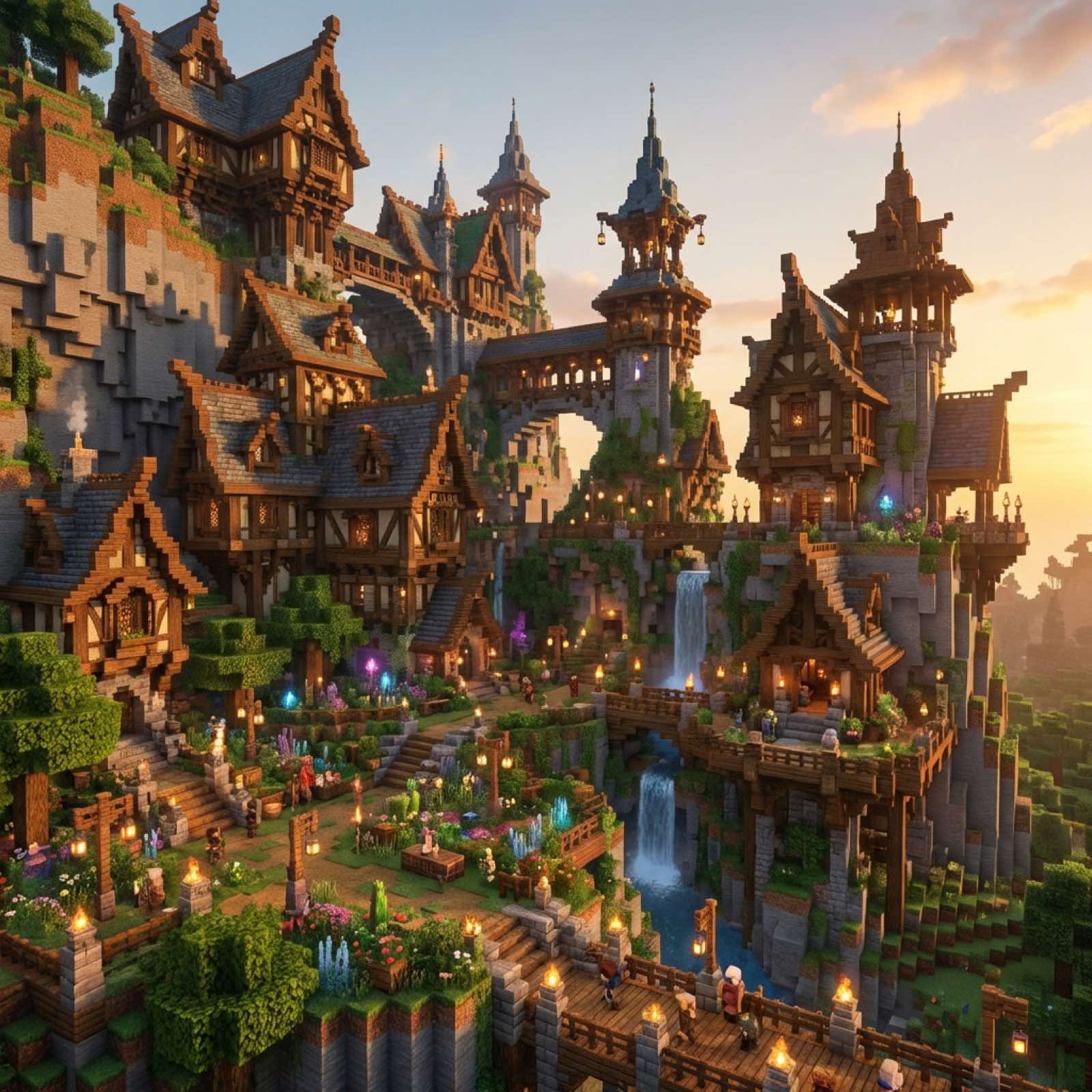
Hytale introduces dedicated Roof Blocks. These aren't just re-textured stairs; they are complex slopes that allow for smoother transitions.
- Corners & Valleys: The game automatically detects corners, but you can force specific shapes using the Rotation Tool (default key
R). - Layering: Try mixing "Thatch" roof blocks with "Dark Wood" beams. The contrast makes the roof pop.
- Overhangs: Always extend your roof 1 block past the wall. It adds shadow and depth, preventing the "flat box" look.
3. Detailing with "Miniblocks"
One of Hytale's best features is the ability to place smaller items with precision.
- Clutter is Key: A house feels lived-in when it's messy. Place books, mugs, and candles on tables.
- Vegetation: Use the "Wall Ivy" block to break up large stone textures. It grows naturally over time!
- Lighting: Don't just spam torches. Use Lanterns hanging from beams or Candles on shelves for a warmer, cozier atmosphere.
4. The Blueprint System (Copy-Paste)
Built a perfect watchtower and want to clone it?
- Open your Blueprints Menu.
- Select the area you want to copy.
- Save it as a "Prefab".
- You can now paste this structure anywhere in your world (or even share the file with friends!).
5. Want to Go Deeper? The Hytale Model Maker
If in-game tools aren't enough, you can use the official Hytale Model Maker (HMM). This external tool lets you:
- Create custom block models.
- Animate new creatures.
- Texture items pixel-by-pixel.
- Import them directly into your server instantly.
Conclusion
Building in Hytale is an art form. Start small, experiment with the new beam and roof blocks, and soon you'll be constructing cities that rival the game's own generated structures.
Want to show off your builds? Host a Creative Server and invite your friends to build a massive collaborative world!