What Is Adventure Sharing?
Adventure Sharing is Enshrouded's new world-sharing system added in Update 8. It lets players upload their version of Embervale, browse other players' constructions, and visit shared worlds from the main menu.
Right now, the feature is most useful for builders who want to show off bases, villages, castles, and creative terrain work. Keen Games says the system will grow over time toward more interactive adventures, including logic systems, puzzles, enemy setups, and traps.
How Sharing Works
The main menu now includes an Adventure Sharing area. From there, players can:
- name a local world
- add tags and a description
- attach preview screenshots
- upload the world to the sharing service
- browse, search, upvote, subscribe to, and visit community worlds
World visits can happen solo or as a party through peer-to-peer play. If you run a dedicated world with friends, you can still use the same building principles before deciding what to share.
Set a Visitor Spawn Point
One of the most important details is the visitor spawn. Update 8 lets you choose a Flame Altar as the starting point for visitors.
Do this before uploading:
- Pick the Flame Altar closest to the build you want visitors to see.
- Make the arrival area safe, lit, and easy to understand.
- Add paths or visual landmarks to guide visitors.
- Remove confusing old staging areas, spare chests, and construction clutter.
A good spawn point turns a build into an experience instead of a scavenger hunt.
Use the New Camera Item
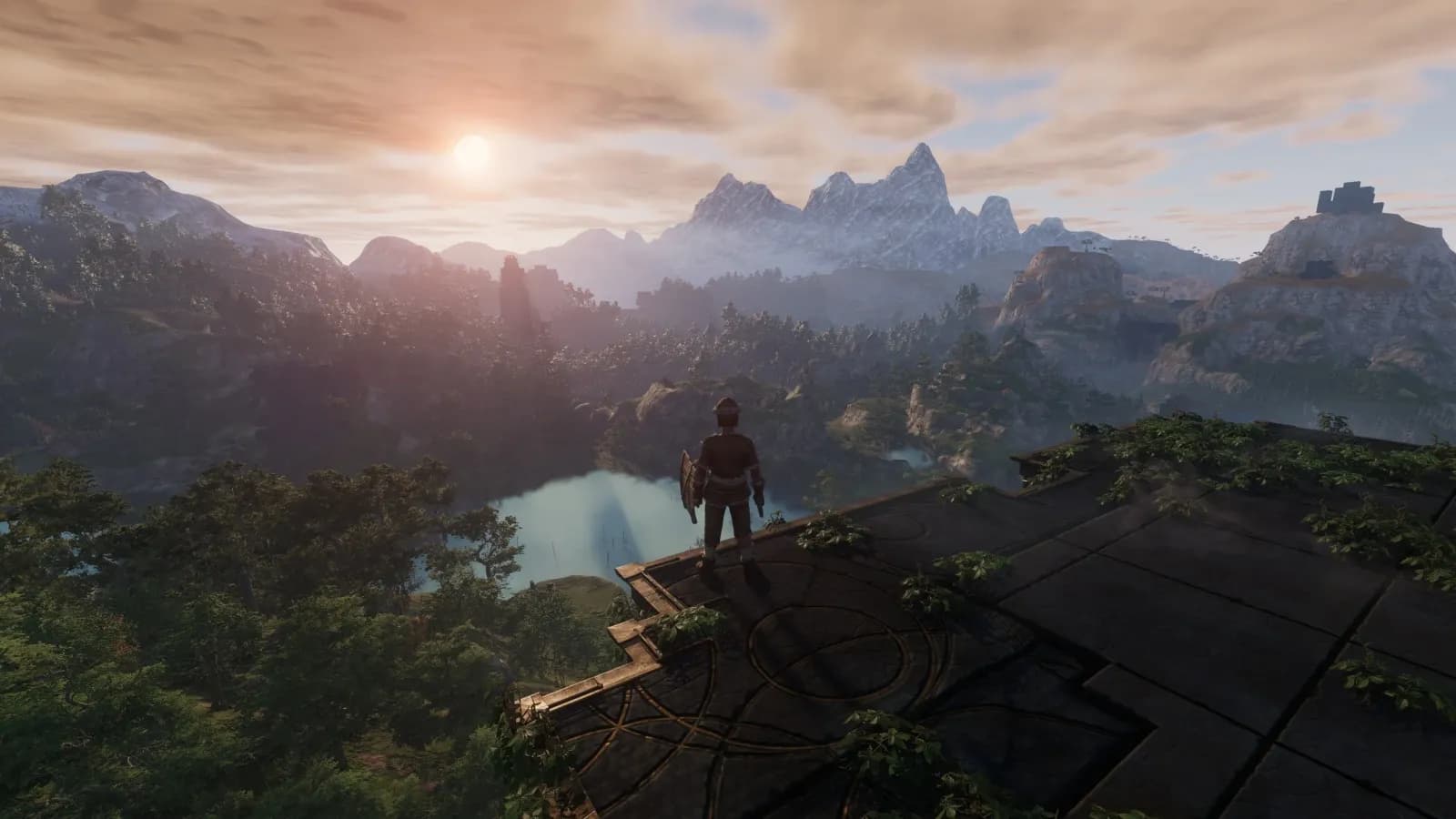
Update 8 adds a craftable camera item for screenshots. Use it like a storefront image: show the angle that best communicates the build.
For bases, good screenshots usually show:
- the full silhouette of the structure
- one interior hero room
- the surrounding terrain or village layout
- any custom bridges, farms, or defensive walls
If your build only looks good from one angle, screenshot that angle. Adventure Sharing is discovery-driven, so first impressions matter.
Builder Checklist Before Uploading
Before you share a world, run through this:
- Is the spawn point set correctly?
- Can visitors reach the main build without gliding tricks?
- Are doors, stairs, and bridges readable?
- Are there enough lights to see the best areas?
- Did you remove temporary scaffolding?
- Are storage rooms private, hidden, or cleaned up?
- Does the description tell visitors what they are looking at?
For deeper construction basics, use our Enshrouded building guide.
Why It Matters for 1.0
Adventure Sharing is not just a gallery feature. It is the foundation for Enshrouded's community-content future. The first version focuses on uploaded worlds and base visits, but Keen's stated direction points toward playable shared adventures later.
That makes Update 8 a good time to start building deliberately: create clean routes, strong points of interest, and spaces that make sense to someone who did not build them.
Sources: Enshrouded Update 8 changelog, Update 8 Adventure Sharing preview.