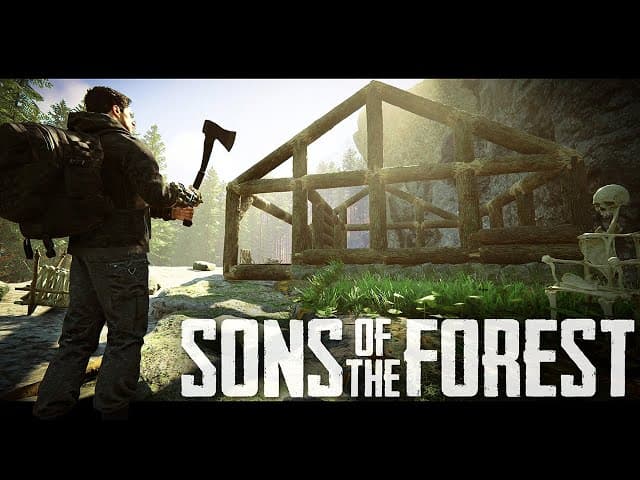
Why Host a Dedicated Sons of the Forest Server?
Sons of the Forest is an open-world survival horror game where you crash-land on a cannibal-infested island. A dedicated server is essential for the full experience:
- 24/7 world — your bases, resources, and structures persist
- Play together — up to 8 players can join anytime
- Better performance — the host player doesn't carry the server load
- Full control — customize difficulty, resources, and gameplay settings
Choosing the Right Plan
Sons of the Forest is moderately demanding:
| Group Size | RAM | Recommended Plan |
|---|---|---|
| 1-4 players | 8 GB | Starter (€12.99/mo) |
| 4-8 players | 12 GB | Standard (€18.99/mo) |
| 8 players (max) | 16 GB | Performance (€24.99/mo) |
Tip: Late-game bases with many structures and the larger explored map require more memory.
Step 1: Deploy Your Server
- Go to HostedGG Sons of the Forest hosting
- Choose your plan based on group size
- Complete checkout
- Your server is live in under 60 seconds
Step 2: Configure Your Server
Navigate to the Startup tab for server settings:
Essential Settings
| Setting | Description |
|---|---|
| Server Name | Display name in the server browser |
| Max Players | Number of player slots (1-8) |
| Server Password | Password for joining (leave blank for open) |
| Save Interval | How often the world auto-saves |
Gameplay Settings
| Setting | Description | Options |
|---|---|---|
| Game Mode | Difficulty and mode | Normal, Hard, Peaceful, Creative, Custom |
| Tree Regrowth | Trees grow back over time | On/Off |
| Enemy Spawn | Cannibal and mutant spawning | On/Off |
| Cheats | Allow console commands | On/Off |
Custom Difficulty
In Custom mode, you can fine-tune:
- Enemy health and damage multipliers
- Player damage and stat multipliers
- Resource availability
- Building damage from enemies
- Survival stat drain rate (hunger, thirst, energy)
Step 3: Connect to Your Server
Method 1: In-Game Browser
- Launch Sons of the Forest
- Click Multiplayer → Dedicated Server
- Search for your server name or use the filter
- Enter the password if set
- Click Join
Method 2: Direct Connect
- Open the multiplayer menu
- Click Direct Connect
- Enter your server IP and port
- Click Connect
Survival Tips for Multiplayer
Base Building Strategy
- Build near water — access to fresh water for drinking
- Fortify early — cannibals raid bases, especially at night
- Create multiple bases — spread across the island for resource access
- Use defensive walls — log walls and bone fences slow enemy attacks
Team Roles
With a group, divide responsibilities:
- Builder — focus on base construction and defenses
- Hunter — gather food, craft weapons, set traps
- Explorer — find cave entrances, GPS locators, and keycards
- Resource runner — stockpile logs, stones, and crafting materials
Cave Exploration
Caves contain crucial story items and some of the most dangerous enemies:
- Always bring a buddy — cave mutants can overwhelm solo players
- Bring light sources — flashlights, torches, and lightsticks
- Mark your path — place sticks or markers to avoid getting lost
- Pack healing items — caves have no natural food sources
Troubleshooting
Can't Find Server
- Wait 2-3 minutes after starting the server
- Try direct connect with the IP and port
- Ensure the server is Online in your control panel
Kicked or Disconnected
- Check if the server has crashed (look for red status in panel)
- Restart the server from the control panel
- Verify all players are on the same game version
World Reset / Progress Lost
- Check auto-save interval — set to a reasonable frequency (every 10-15 minutes)
- Restore from automatic backups in the control panel
- Download backup saves regularly via File Manager
Performance Issues
- Large bases with many structures cause more load — spread builds out
- Restart the server weekly to clear accumulated memory usage
- Upgrade your plan if RAM usage is consistently high
- Reduce max players if running on the Starter plan
Ready to survive the island? Get your Sons of the Forest server now and start building your fortress.