Choosing Minecraft Server Hosting in 2024
With dozens of hosting providers and server types available, choosing the right Minecraft hosting can be overwhelming. This guide breaks down everything you need to know.
Server Types Explained
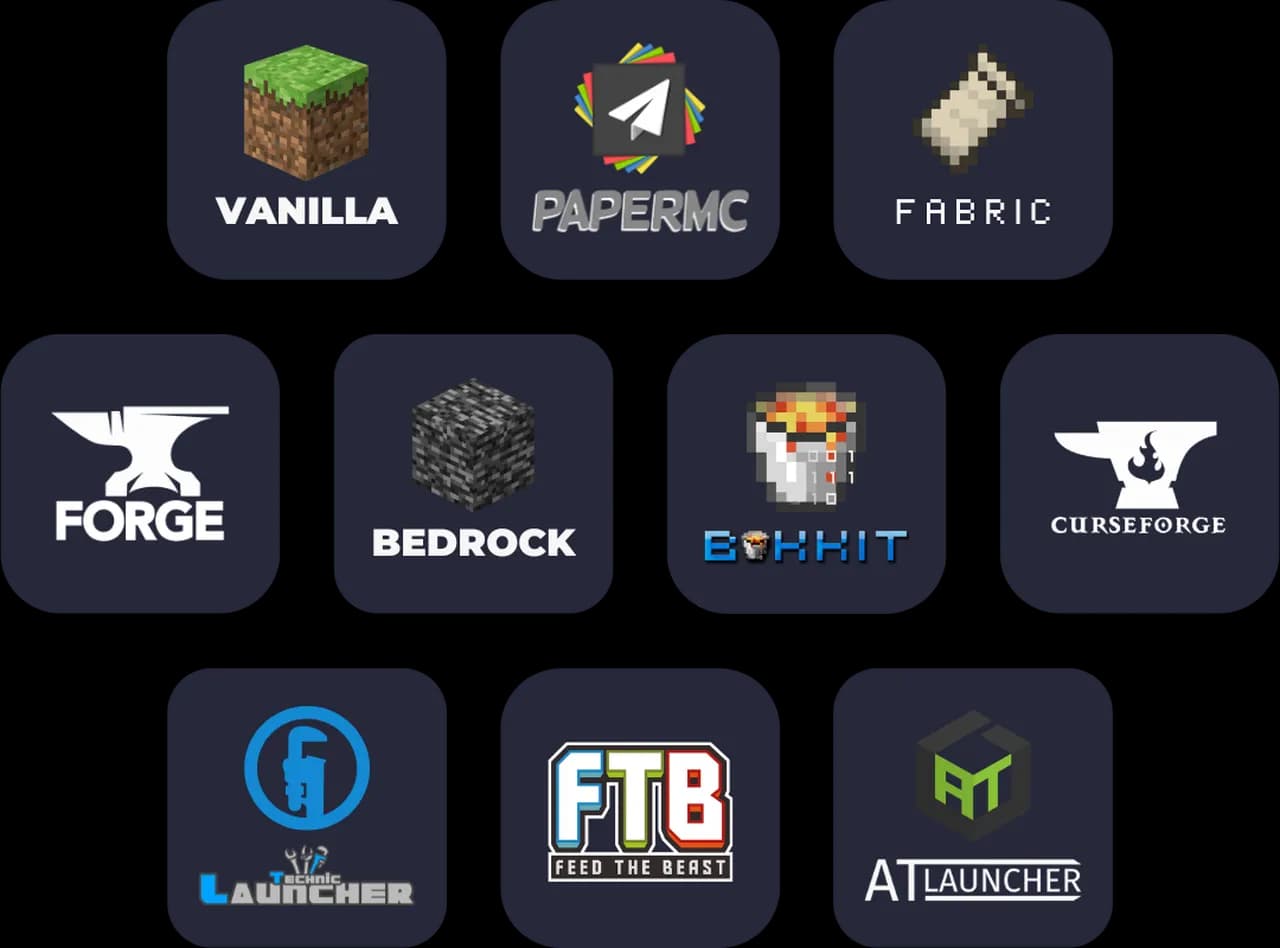
Paper (Recommended for Most Users)
Best for: Communities, survival servers, minigames, anything with plugins
Paper is a high-performance fork of Spigot that includes:
- Significant performance optimizations
- Bug fixes from Mojang's tracking
- Full Spigot/Bukkit plugin compatibility
- Async chunk loading
Pricing at HostedGG: $2.99 - $9.99/month
Most servers should use Paper. It's faster than vanilla, supports thousands of plugins, and handles more players with less resources.
Forge
Best for: Modded Minecraft, modpacks like ATM, RLCraft, SkyFactory
Forge is the original modding platform:
- Supports thousands of mods
- Required for most modpacks
- More resource-intensive than Paper
- No plugin support (mods only)
Pricing at HostedGG: $5.49 - $9.99/month
Choose Forge if you want mods like Create, Applied Energistics, or Mekanism. Note that modded servers need more RAM.
Vanilla
Best for: Pure Minecraft experience, small friend groups
Vanilla is the official Mojang server:
- Exactly like single-player Minecraft
- No plugins or mods
- Best for authenticity
- Lowest resource requirements
Pricing at HostedGG: $2.49 - $6.99/month
Choose vanilla if you want the unmodified Minecraft experience.
How Much RAM Do You Need?
| Use Case | RAM | Players |
|---|---|---|
| Small vanilla server | 2 GB | 1-5 |
| Paper with basic plugins | 4 GB | 10-20 |
| Paper with many plugins | 6-8 GB | 20-40 |
| Light modpack (Forge) | 4-6 GB | 5-10 |
| Heavy modpack (ATM, RLCraft) | 8+ GB | 5-15 |
Pro tip: It's better to start with more RAM than you think you need. You can always downgrade, but lag from insufficient RAM ruins gameplay.
Essential Features to Look For
1. Instant Deployment
Waiting hours for a server is outdated. Modern hosts deploy in minutes or seconds. HostedGG servers are ready in 60 seconds.
2. DDoS Protection
Minecraft servers are frequent DDoS targets, especially popular ones. Ensure your host includes protection—it should be free, not an add-on.
3. SSD Storage
NVMe SSDs dramatically improve chunk loading and world generation. Avoid hosts using traditional HDDs.
4. Easy Mod/Plugin Installation
Look for 1-click installers. Manually uploading files via FTP is tedious and error-prone.
5. Automatic Backups
Accidents happen. Regular automatic backups ensure you never lose your world.
6. MySQL Database
Many plugins require database access. A free included database saves money and complexity.
Common Mistakes to Avoid
1. Choosing Based on "Unlimited" Claims
Nothing is unlimited. "Unlimited" often means "fair use" with hidden limits. Look for clear specifications instead.
2. Ignoring CPU Allocation
RAM isn't everything. Poor CPU allocation causes lag even with plenty of memory. Look for dedicated CPU cores, not shared.
3. Not Testing Performance
Many hosts offer short trials or money-back guarantees. Test before committing to annual plans.
4. Overcomplicating the Setup
Start simple. Add plugins gradually. A lean server with good performance beats a bloated one that lags.
HostedGG Minecraft Plans
| Plan | RAM | Storage | Price | Best For |
|---|---|---|---|---|
| Starter | 2 GB | 10 GB | $2.49-2.99 | Small groups |
| Standard | 4 GB | 20 GB | $4.99-5.49 | Communities |
| Premium | 6-8 GB | 30-40 GB | $6.99-9.99 | Large servers |
All plans include:
- 60-second deployment
- DDoS protection
- 1-click mod installation
- Free MySQL database
- Automatic backups
Getting Started
Ready to start your Minecraft server?
- Choose your server type (Paper recommended)
- Select a plan based on expected players
- Complete checkout
- Your server is ready in 60 seconds!
Need help choosing? Join our Discord and ask our community.
This guide is updated regularly. Last update: January 2024.